Eagle Z-7200 Specifiche
Navigare online o scaricare Specifiche per no Eagle Z-7200. Eagle Z-7200 Specifications Manuale Utente
- Pagina / 20
- Indice
- SEGNALIBRI

- ALL AMERICAN 1
- A method of 2
- A sonar unit that uses a CRT 2
- A remote doesn't have 3
- 69' 11
- Remember 12
- ':0 13
- £PV'JTIVITV 14
- -' 15
- "-• 16
- ''c 17
- "a 18
- --.-. 1 19
Sommario
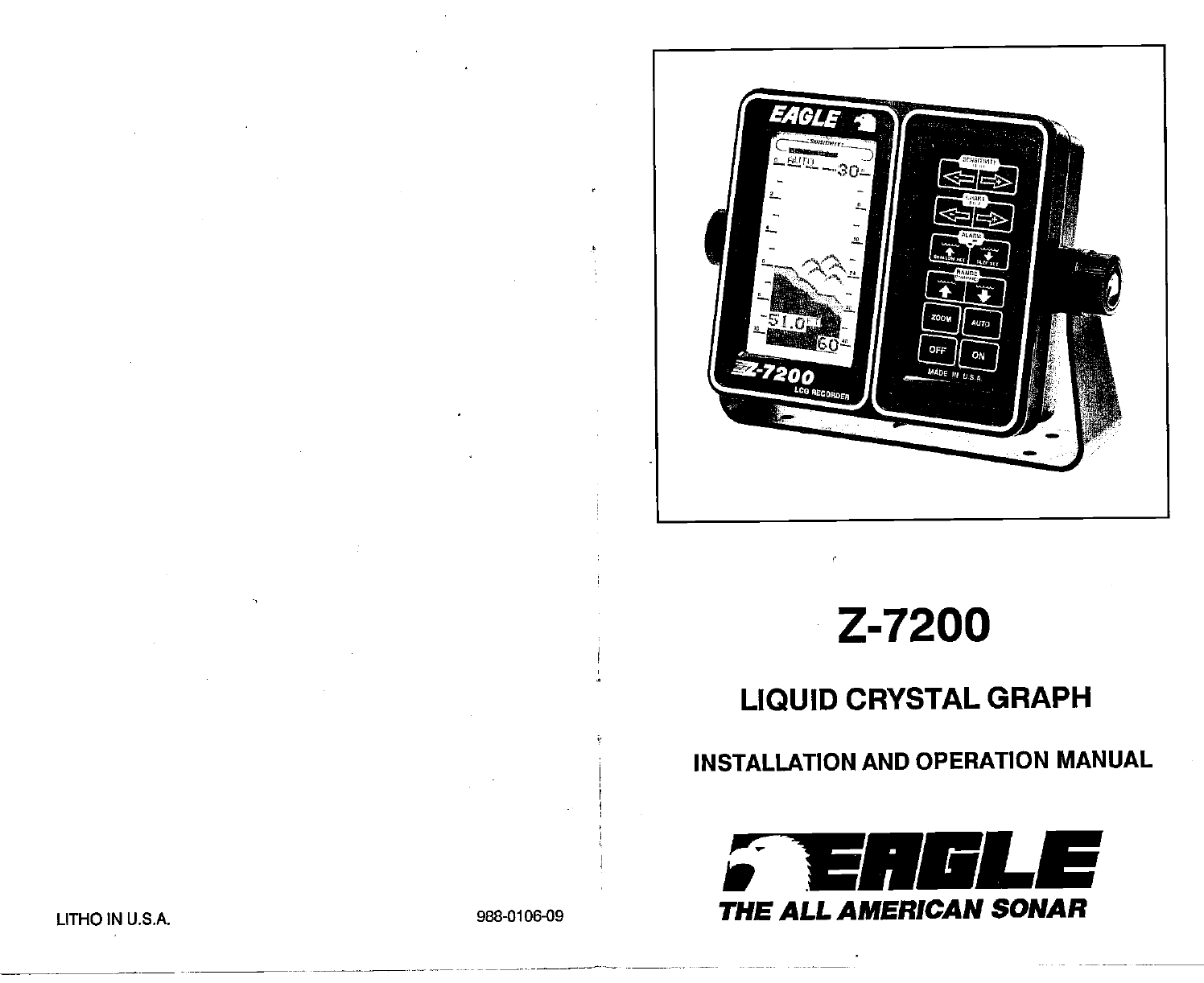
Z-7200 LIQUID CRYSTAL GRAPH INSTALLATION AND OPERATION MANUAL LITHO IN U.S.A. 988-0106-09 TNSLE THE ALL AMERICAN SONAR PDF compression, OCR, web-optim
If a partial arch occurs most of the time on your unit (the mark curves up, but not back down, or vice-versa) It could be the transducer is not pointi
a AUTO SENSITIVITY OPERATION When the Z-7200 is in the automatic mode, the receiver's sensitiv- ity automatically adjusts to the surrounding con
La I CHART SPEED At power on, the chart speed scrolls at a pre-determined speed. For a higher speed, press and hold the FAST key in the CHART section
TRANSDUCERS AND CONE ANGLES The sound waves from the transducer spread out into the water in a cone shaped beam. This looks much likethe beam from afl
RANGE section. For example, If you have a 30 foot window, pressing the up arrow in the RANGE section will change the window to 20 feet. Press the up
TC — 1: Ci.R t aLia _1 0 2 .4 I- L. GRAYLINE: OFF 24 At power on, the digital will flash "0" until it has "locked on" tothe botto
Sr [ttr I SI•*LLnW UT ole. Ut FOR NO CHflJ40E nflrr-r- r r,co-:. 12.. AUT _1 To get the maximum performance out of your digital sonar, stop --—-. MEN
22 15 MENU #8- GRAYLINE SET To adjust the GRAYLINE level, press both arrow keys in the RANGE section at the same time. Use the same arrow keys until
MENU #1- SPEAKER VOLUME This menu lets you adjust the speaker volume. The range is from soft Qow) to loud. When the Z- 7200 is turned on, the speaker
4 - o i: C'FF A - FOR NO CHHI 46E PRESS AUTO —S To change the Discrimina- tion level, press both arrow keys in the RANGE section at the same tim
TABLE OF CONTENTS cal energyfromthe transrriitterinto ultrasonic soundwaves. When a return echo strikes the transducer, it converts the sound waves in
MENU #3-Sec (SURFACE CLARITY CONTROL) The markings —or noise--at the top of the display can extend many feet below the surface. This interferes with
REMOTE - An intelligent "repeater" unit that receives depth information from another sonar unit. A remote doesn't have a transmitter or
Power Connections The Z-7200 operates from a 12 volt battery system. Attach the power cable to an accessory or power buss. If you have problems with
GLOSSARY NOISE ANCHOR WATCH -A setting of the sonar unit's alarm. The alarm activates when the boat drifts into shallower or deeper water than th
KEYBOARD BASICS This section gives a brief explanation of the keyboard. Read the Operation section for a detailed description of each key's opera
BAIT FISH The importance of bait fish to successful fishing can't be over- emphasized. They are the principle food of all game fish in most water
DISPLAY INTERPRETATION Now let's look at the display. First, we'll turn on the Z-7200 by press- ing the ON key. The lights will flash for si
OPERATION When the Z-7200 Is first turned on, It automatically finds and displays the bottom depth, and adjusts the sensitivity to the proper level. I
Prodotti e manuali riguardandi no Eagle Z-7200
 (34 pagine)
(36 pagine)
(20 pagine)
(12 pagine)
(72 pagine)
(64 pagine)
(8 pagine)
(34 pagine)
(36 pagine)
(20 pagine)
(12 pagine)
(72 pagine)
(64 pagine)
(8 pagine)
 (1 pagine)
(2 pagine)
(3 pagine)
(1 pagine)
(1 pagine)
(2 pagine)
(3 pagine)
© 2020, manymanuals.it. Tutti i diritti riservati | 0.046 s |
 Manymanuals.com
 Manymanuals.de
 Manymanuals.fr
 Manymanuals.it
 Manymanuals.pl
 Manymanuals.cz
 Manymanuals.es
 Manymanuals-pt.com
Commenti su questo manuale